

Computing
Computing and ICT are curriculum areas which have come such a long way over the last century and continue to develop in a technological driven world. As a school, we want to impower our pupils with knowledge of computer systems and an understanding of how to use technology safely and responsibly. Our aim is for all pupils to be confident with technology as well as computer literate by the end of Year Six. We do this by offering a curriculum that allows all children to learn through developing skills and using problem solving to debug algorithms and improve on their technological creations. At Longford Park, we want to give all pupils the opportunity to ‘fly high’ in computing and we achieve this by teaching them about famous inventers and entrepreneurs, whose work has allowed technology to improve .
Our computing curriculum focuses on three key areas - computing systems, programming and creating media, with internet safety being woven throughout at every stage. These three areas are progressive and allow pupils to build on from their personal experiences and understanding of technology before they start school and develop this further as they move through the school.
Discover more about our Computing Curriculum at LPPA below.
Primary National Curriculum for Computing
LPPA ComputingComputing in Key Stage 1 (Years 1 and 2)
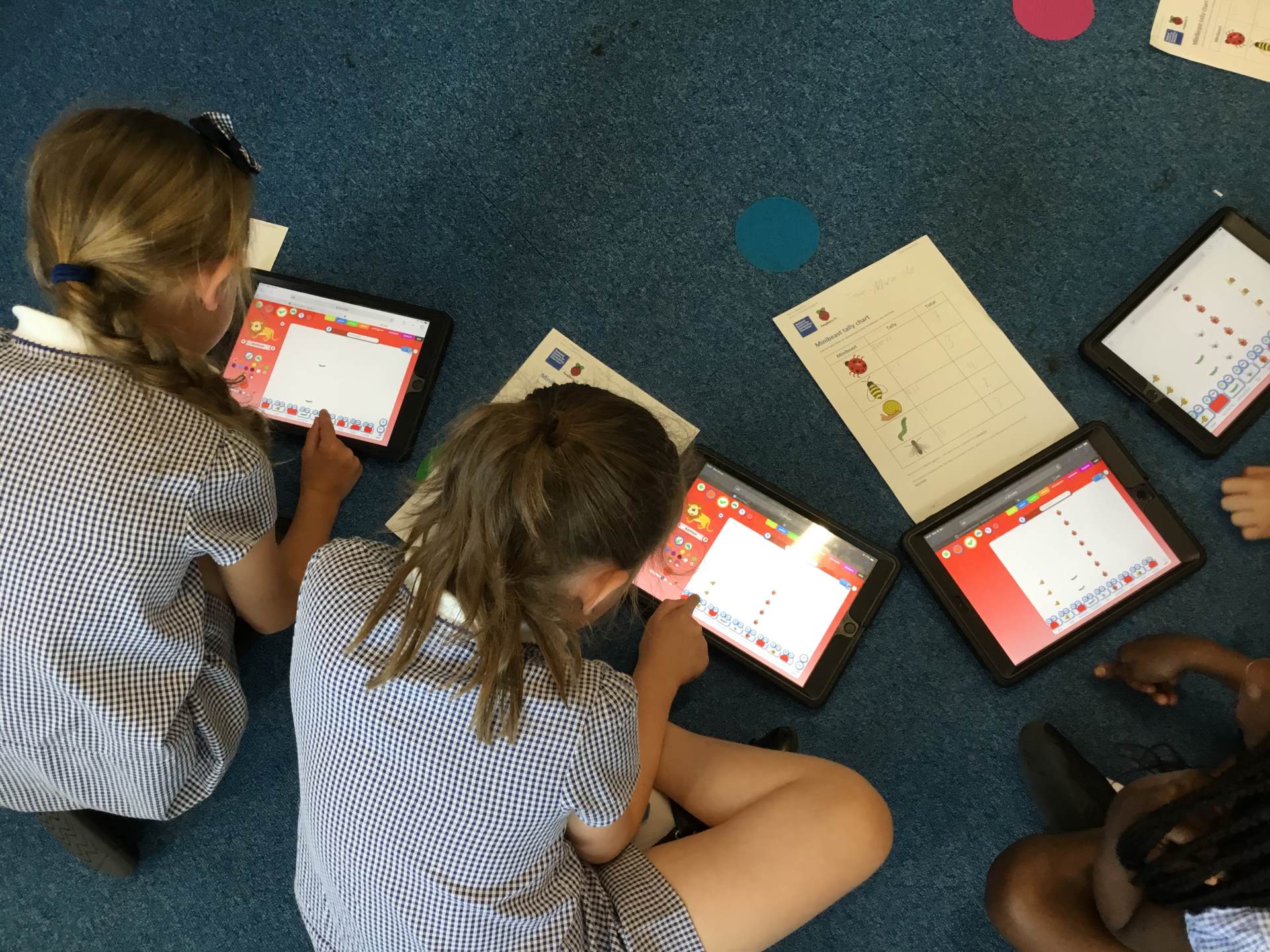
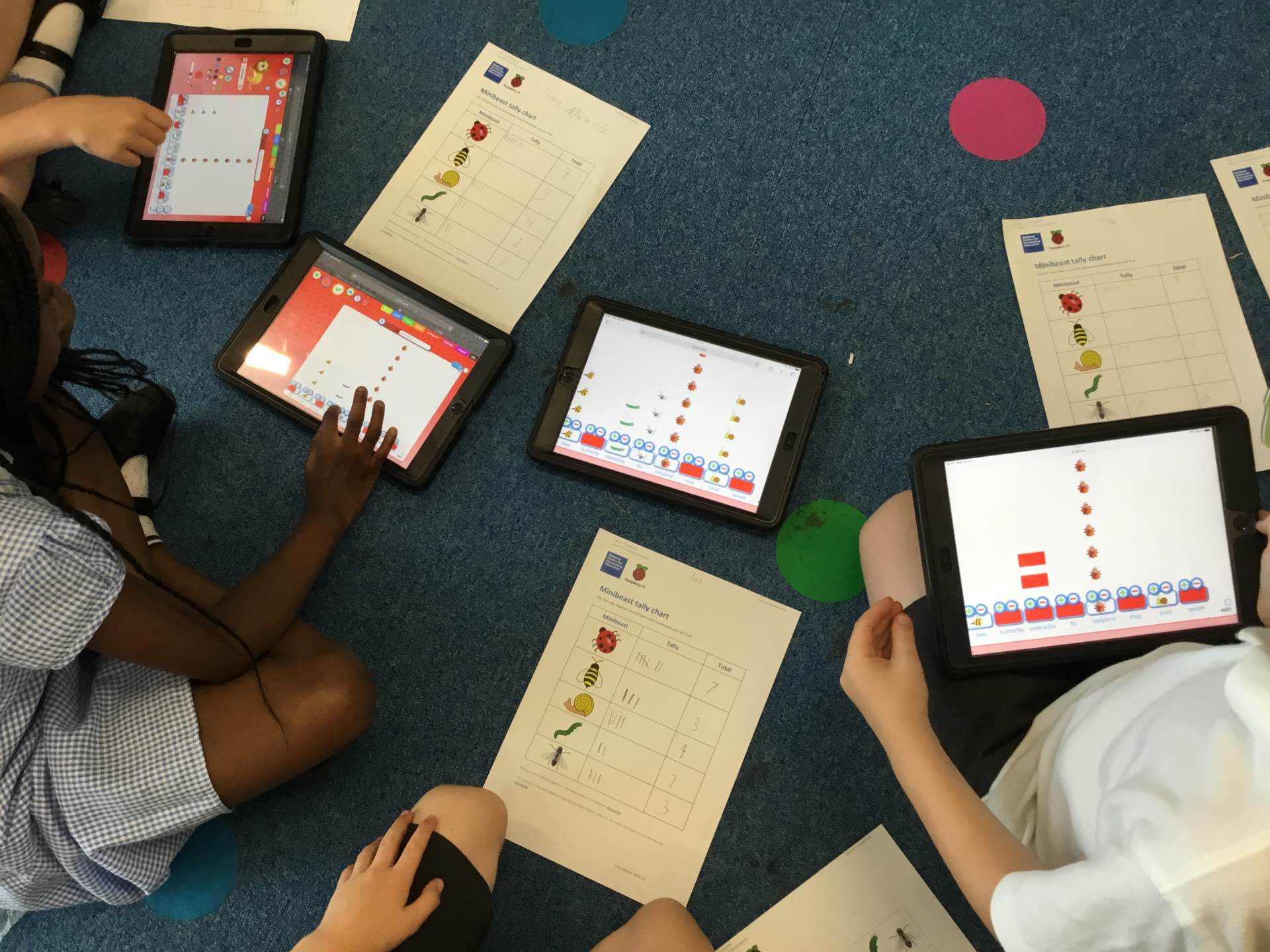
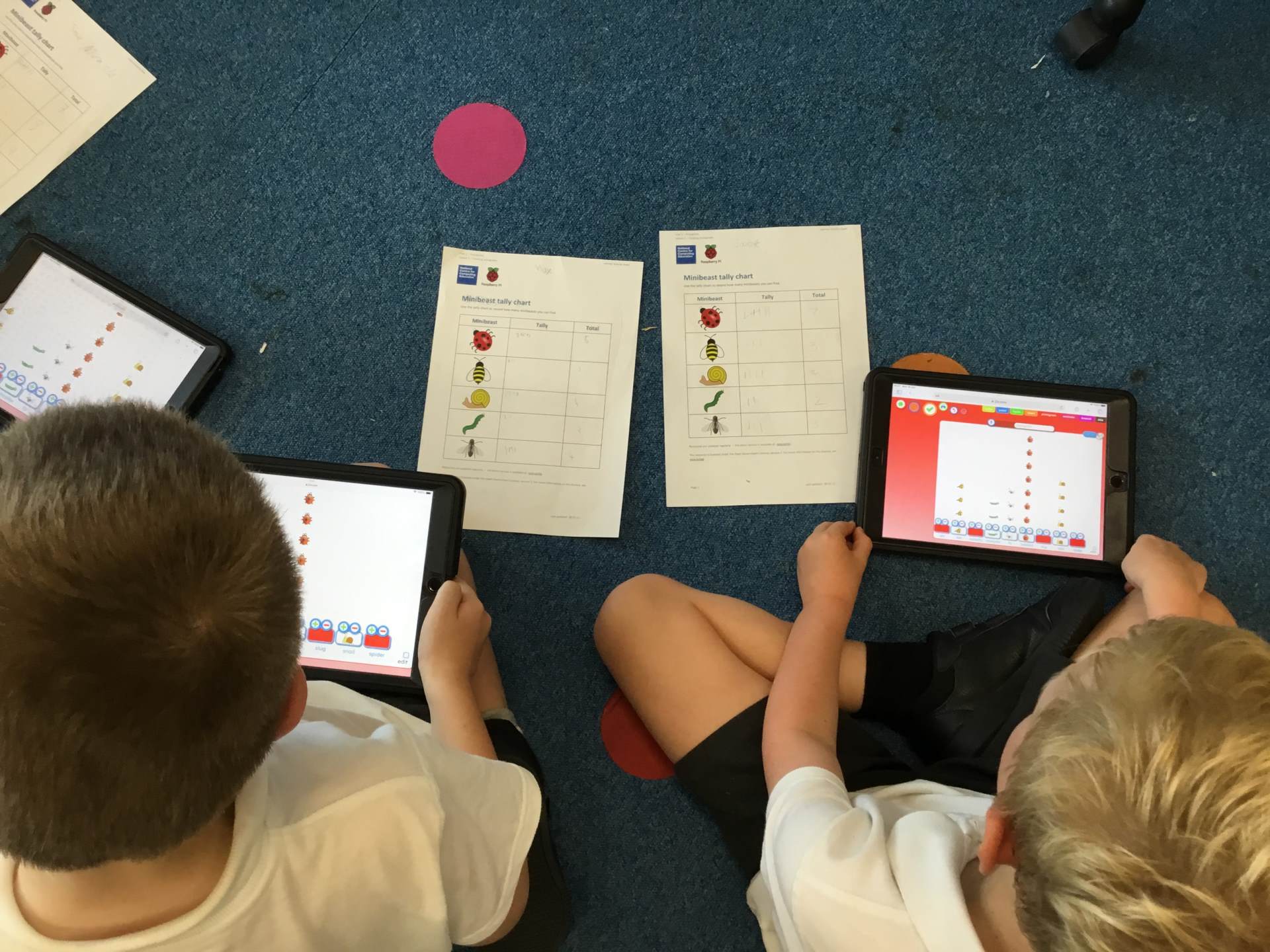
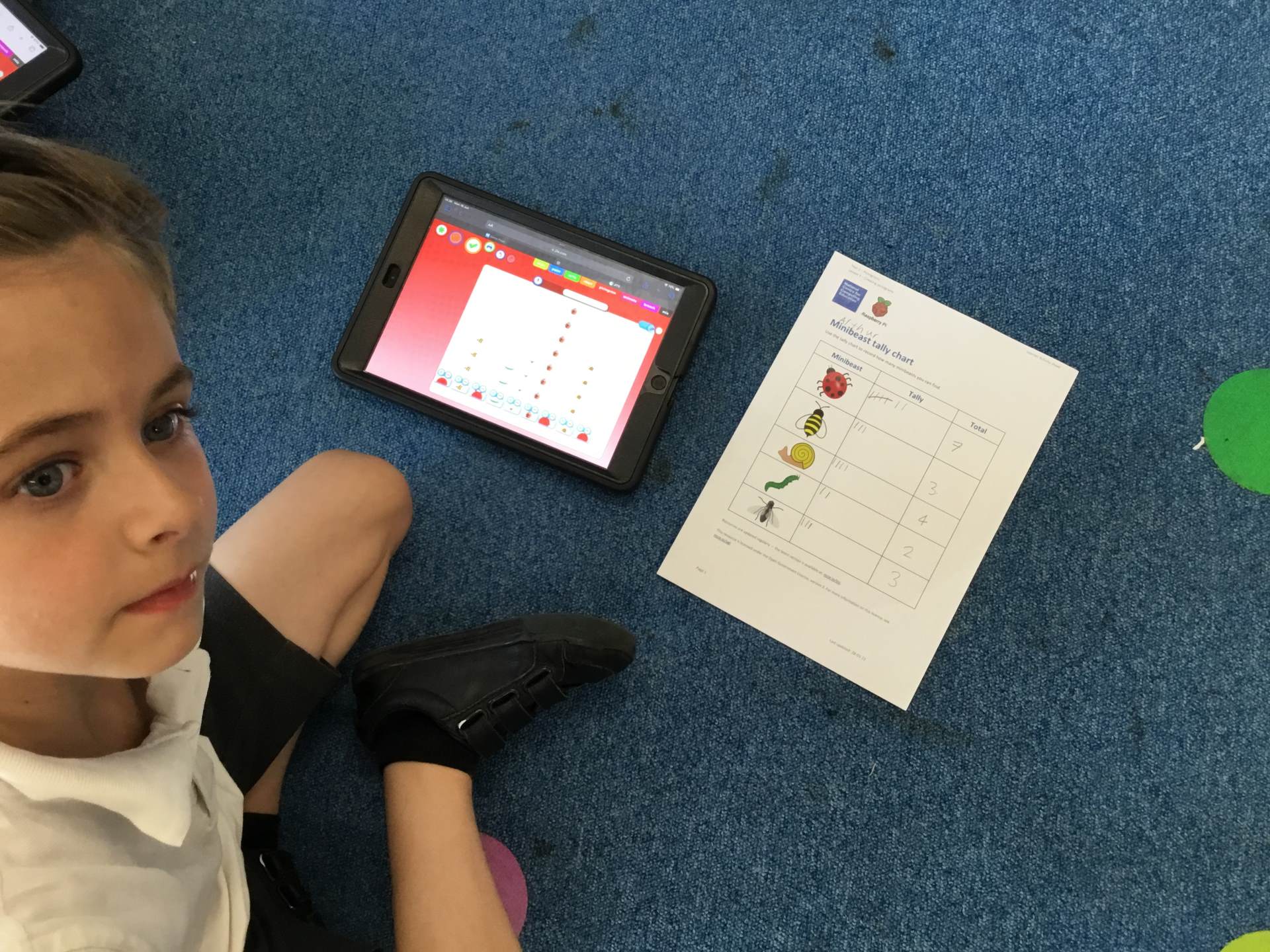
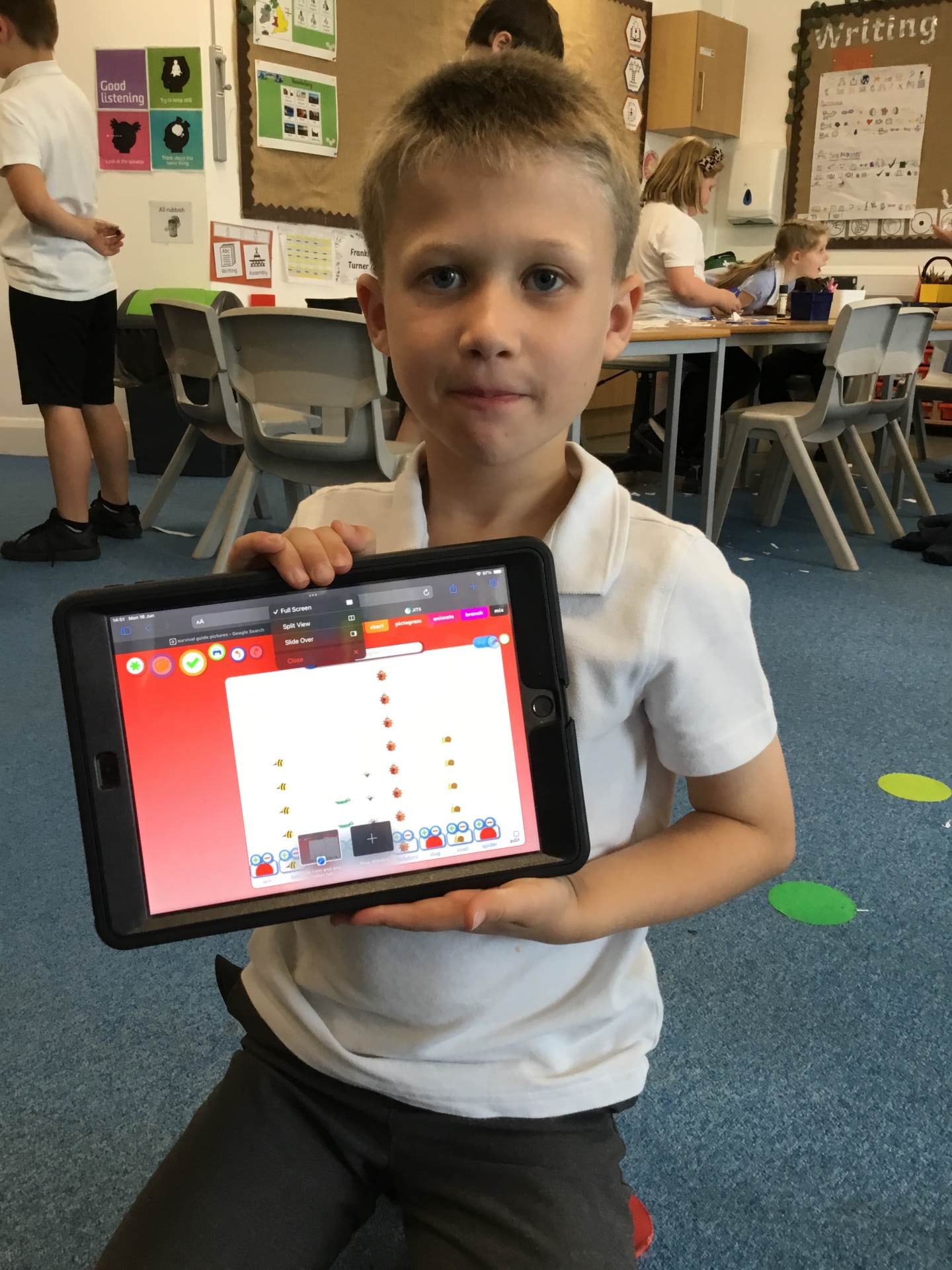
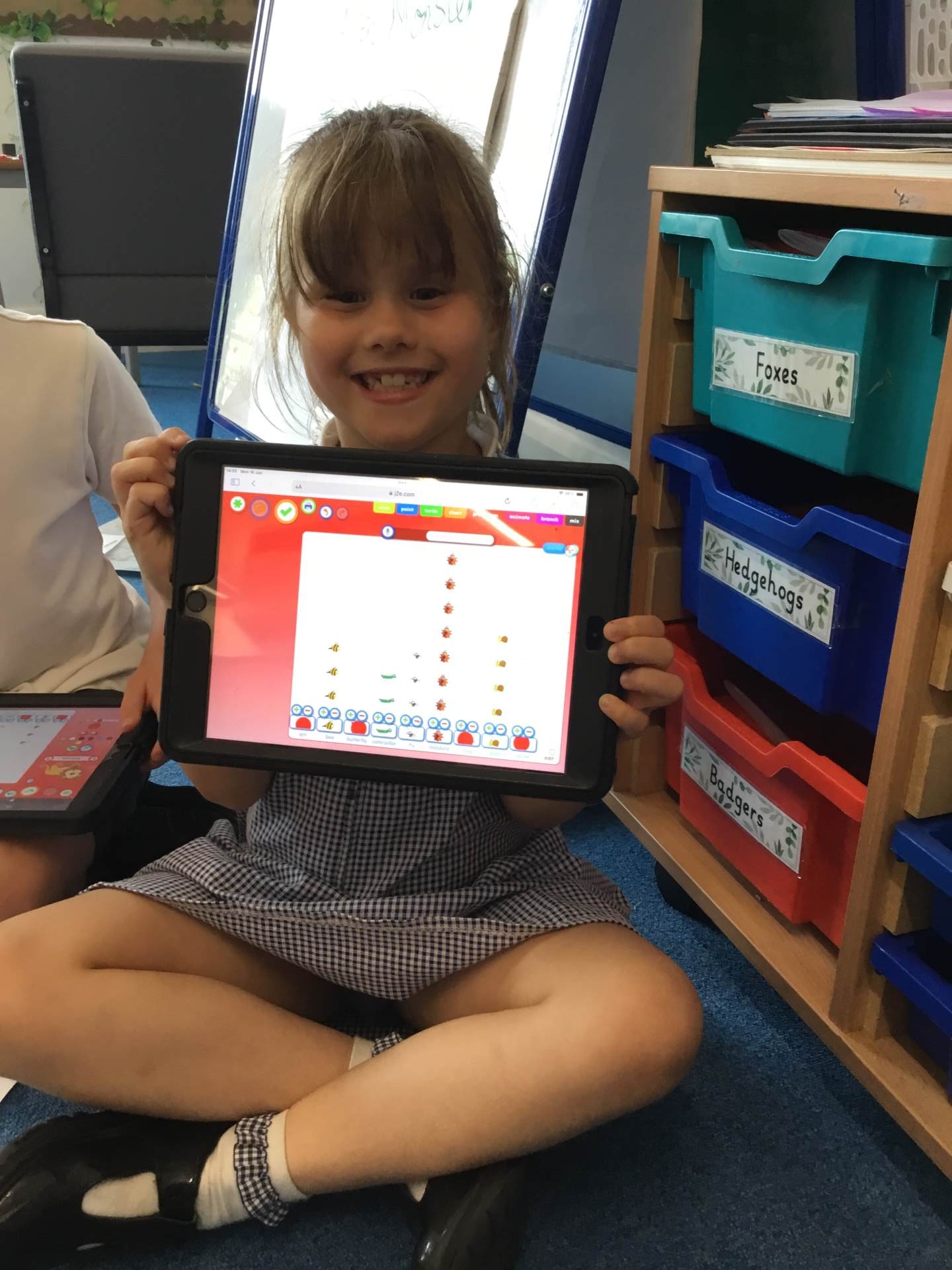
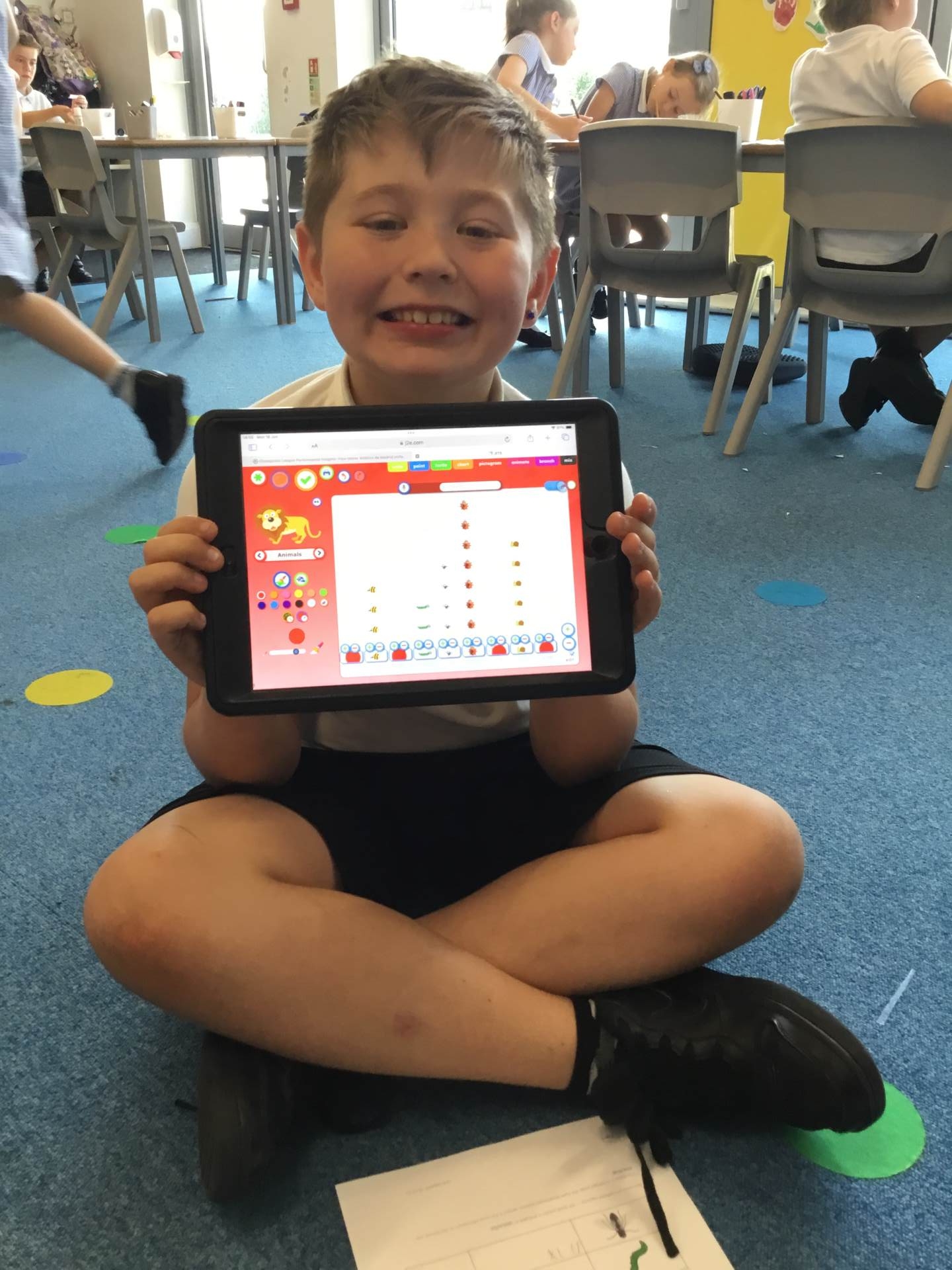
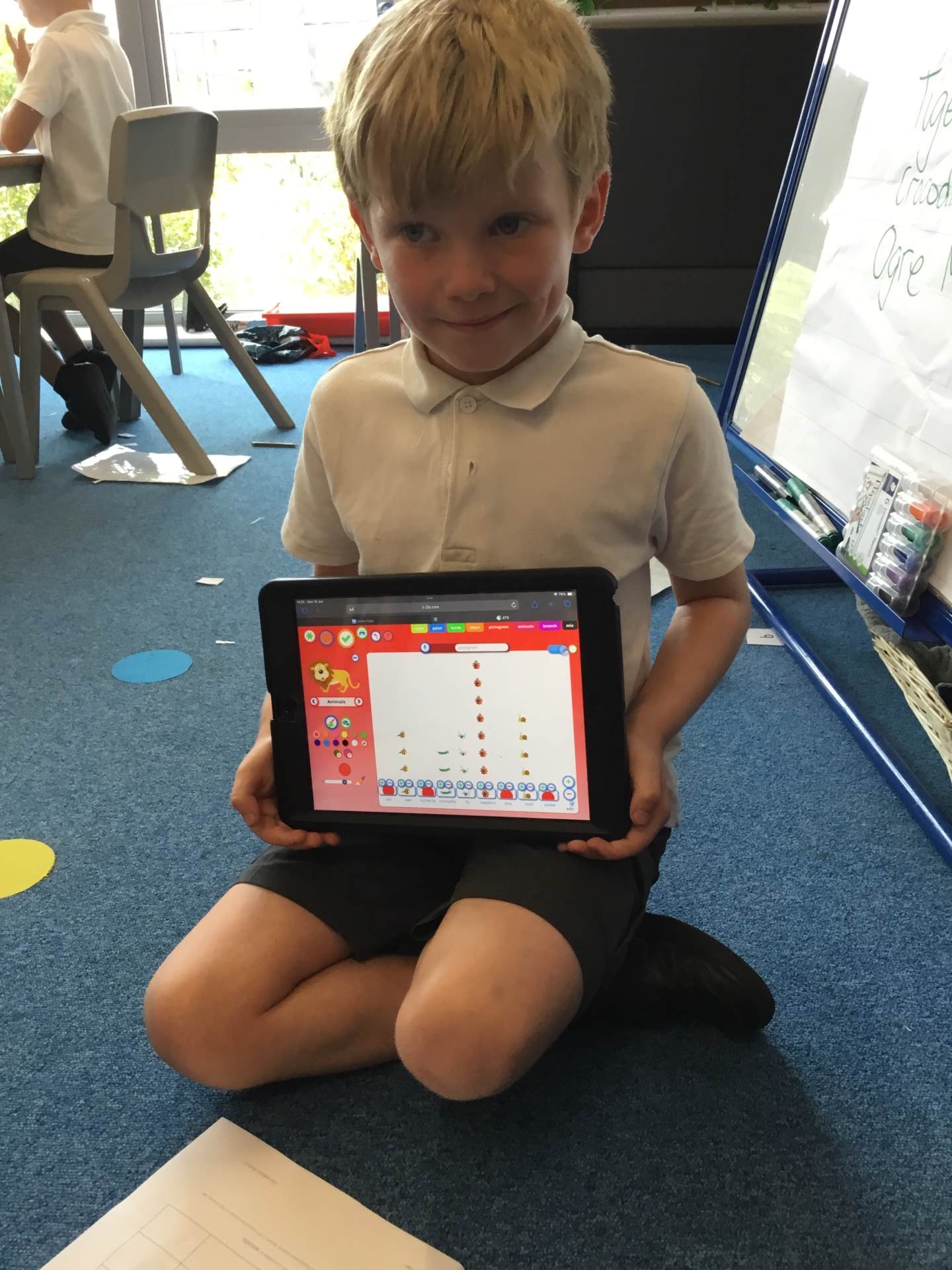
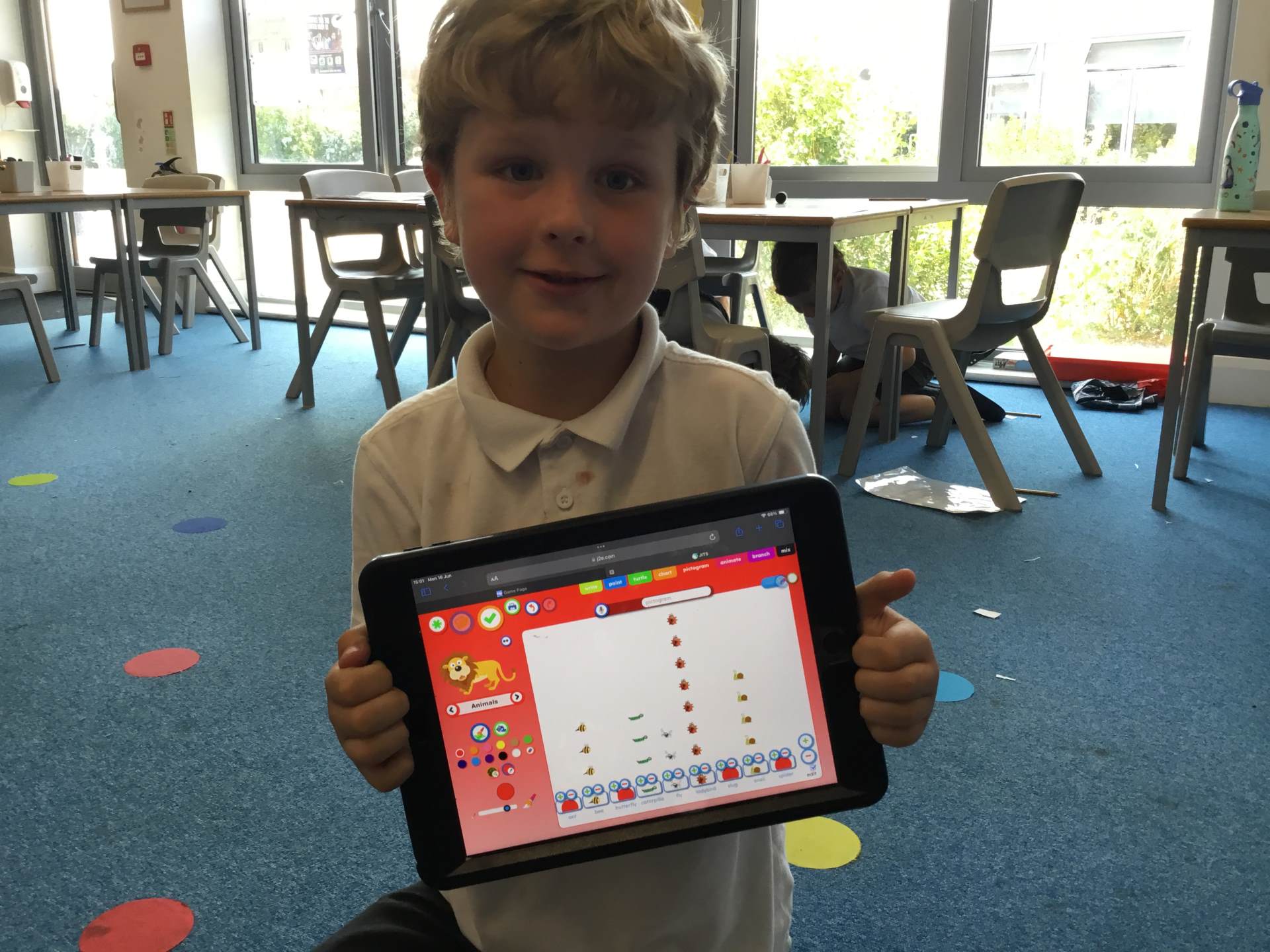
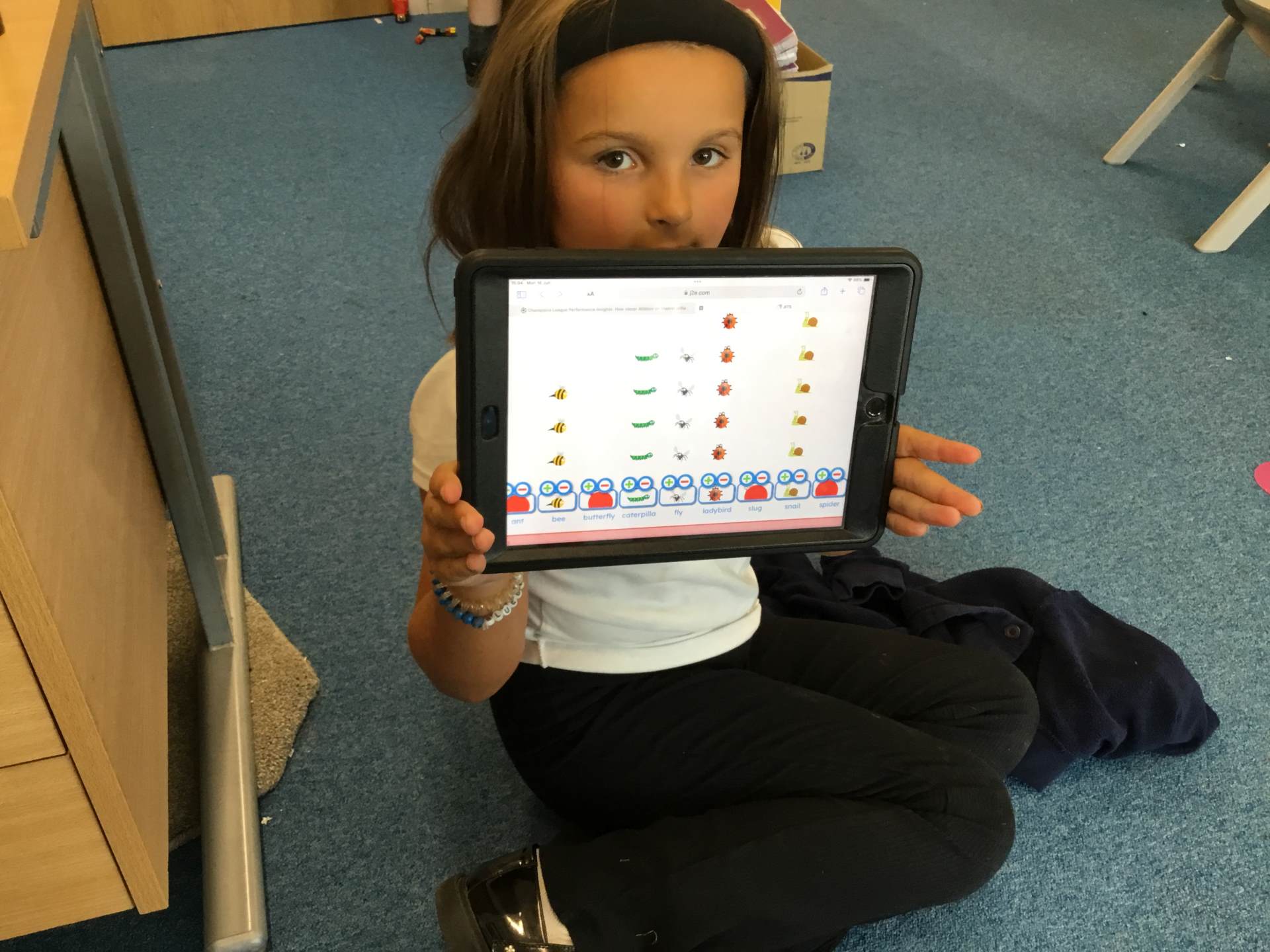
Prior to learning anything else in our Computing curriculum, we ensure a solid grounding for all children in Year 1 in the importance of staying safe online. This is tackled in an age-appropriate way. We have mapped out a careful progression of learning across Key Stage 1 so that children are given the opportunity to learn something new and then revisit it to reinforce that learning. Children begin their computing journey by building on an understanding of what technology is (Y1) and they build on this by understanding what the term 'information technology' is and understand that it can be found everywhere. Practically, there are lots of opportunities for the children to get hands-on with the ICT equipment - ranging from Creating Media units on digital painting (Y1) and making music (Y2) to Programming units looking at moving robots (Y1) and robot algorithms (Y2). Children at the end of Key Stage 1 confidently move into the next chapter of their education with a strong and practical understanding of the National Curriculum for computing.
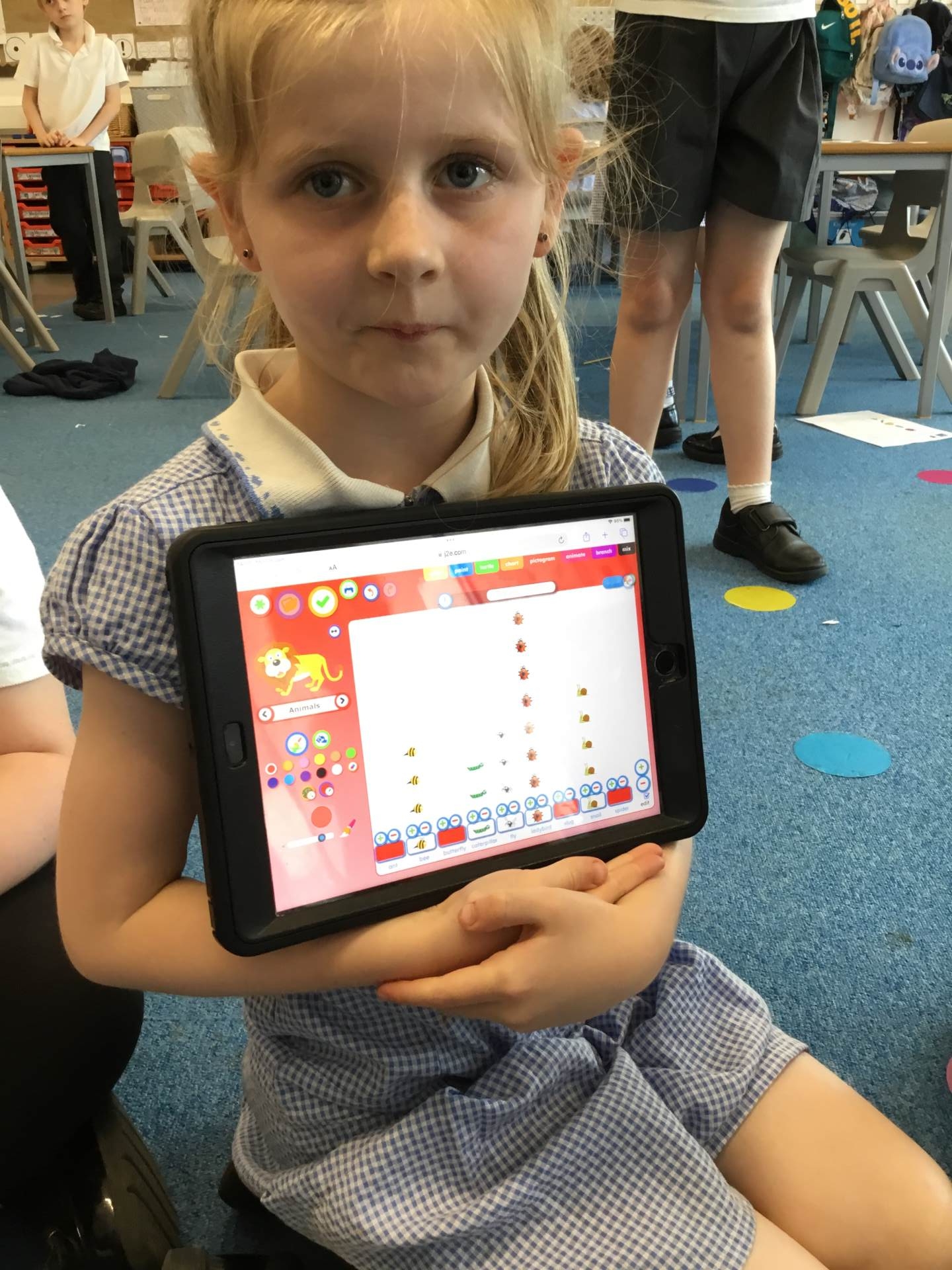
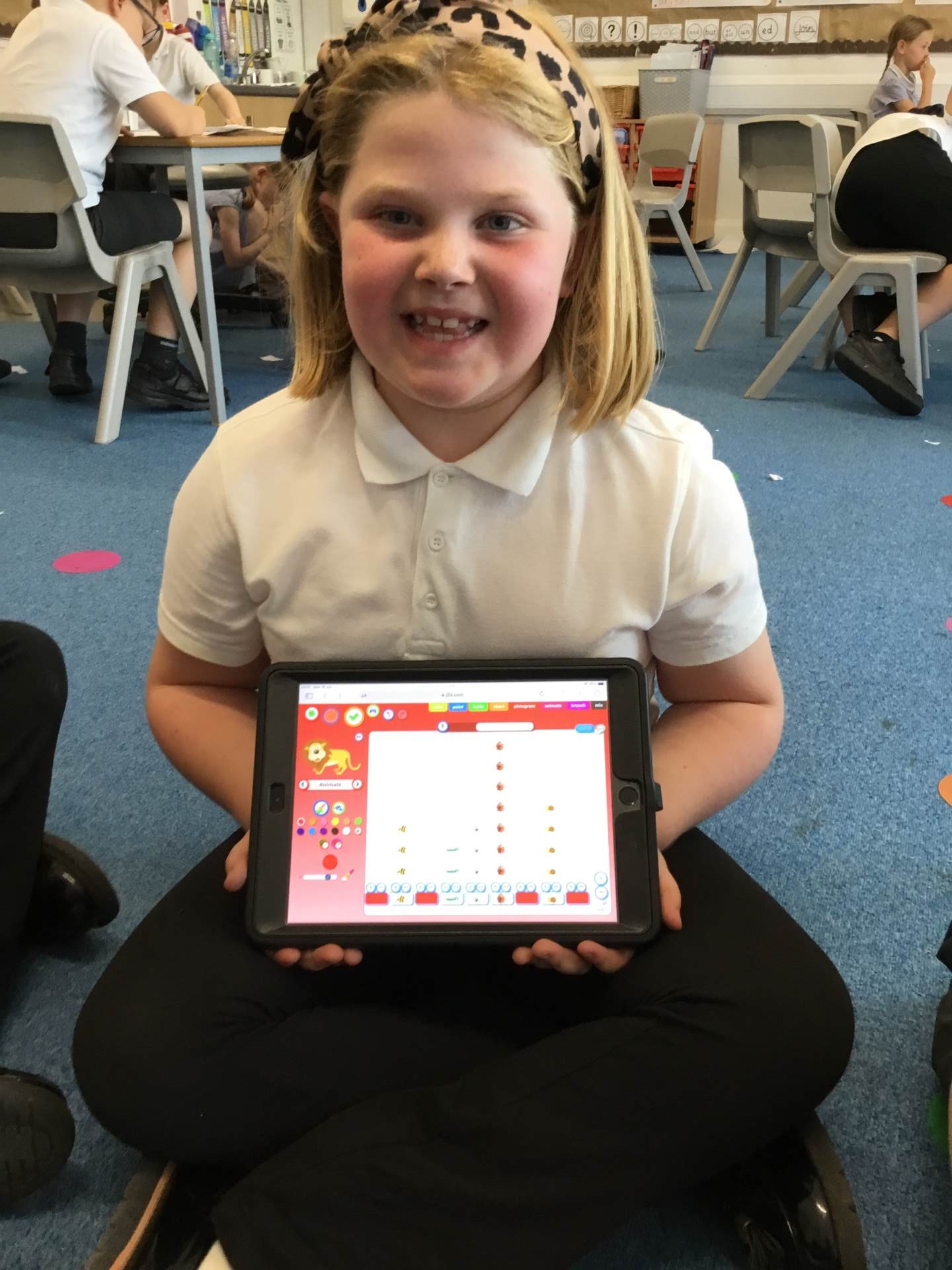
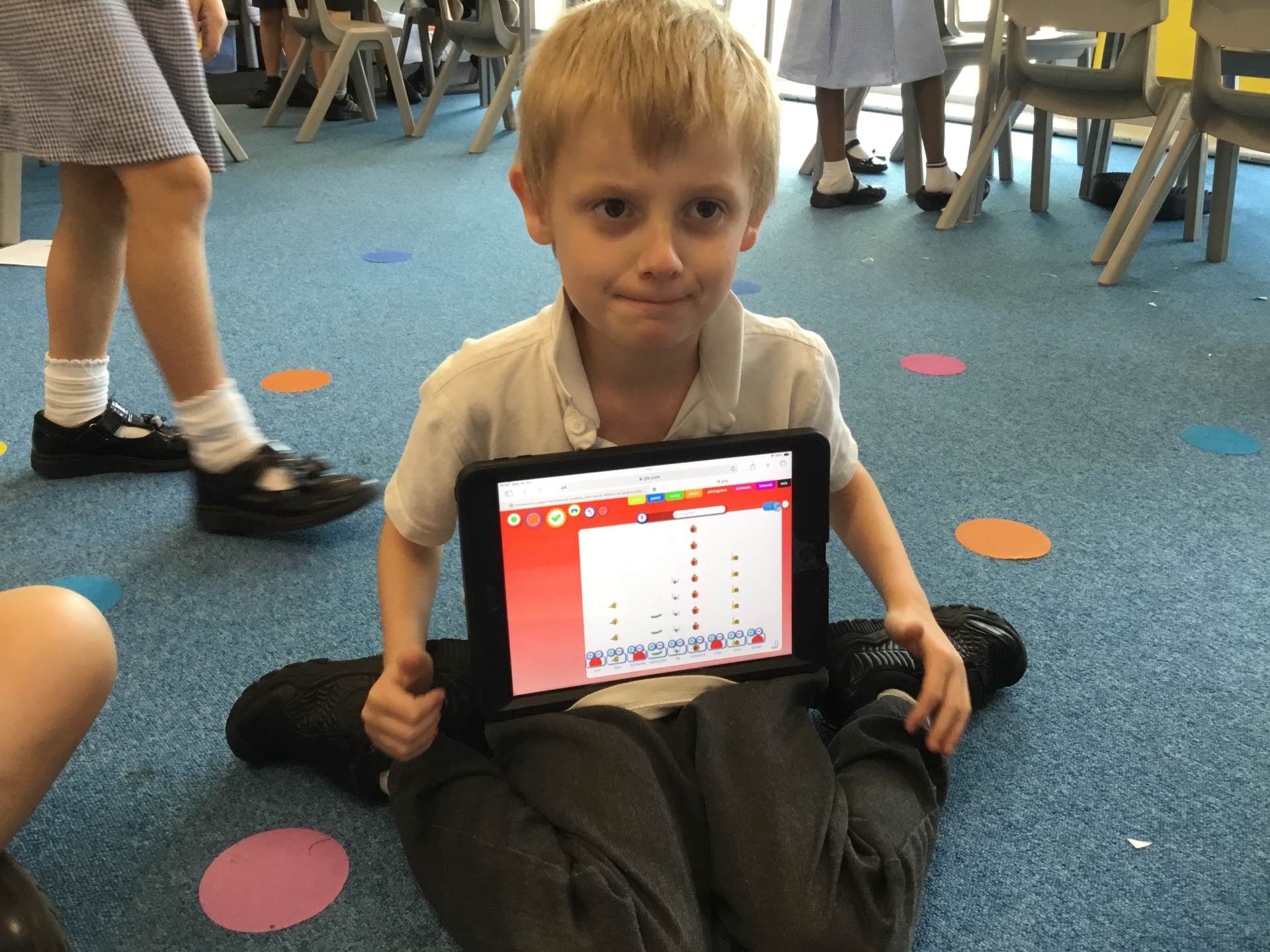
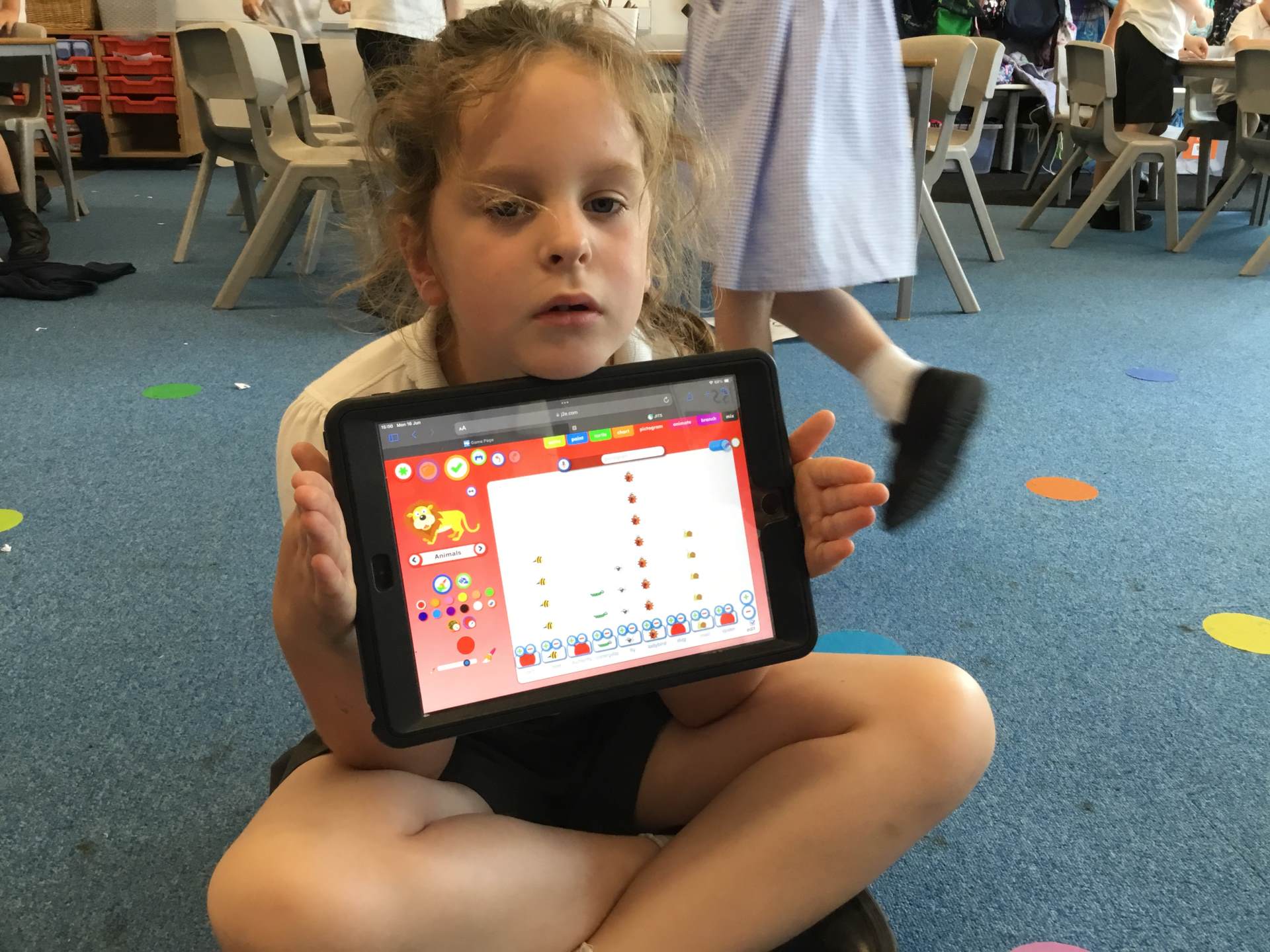
Year 2 computing
Computing in Key Stage 2 (Years 3 - 6)
In Key Stage 2, our computing curriculum provides pupils with a structured and progressive approach to developing their digital skills. Children build on their understanding of computing concepts, including coding, algorithms, data representation, and online safety. They learn to write and debug more complex programs using block-based and text-based coding languages, enhancing their problem-solving and logical thinking abilities. Additionally, they explore how computers process information, develop skills in using digital tools for research and content creation, and gain a deeper understanding of networks and the internet. A strong focus is placed on responsible digital citizenship, ensuring pupils understand how to stay safe and act ethically online. Through engaging projects and interactive lessons, students become confident and creative users of technology, preparing them for the digital world.
Online safety at LPPA
An important thread of our computing curriculum is ESafety and this runs through all learning linked with technology and being online. This is also covered in various units of our PSHE curriculum. We try to educate pupils on possible threats that they could encounter when online, and we provide pupils with strategies to support them if they feel uncomfortable about something they have seen or are unsure about, using SUPER CAT.
Children at LPPA use the Internet on a regular basis as part of their learning. Technology enhances learning, and we LPPA want to ensure pupils get the most from it, by encouraging online behaviours which falls in sync with our values of respect and responsibility.
In school, we use a filtering system to prevent children accessing inappropriate sites. We also have regular E-Safety assemblies and lesson-starters to remind children of the importance of keeping themselves safe online.
Parents and carers play a key role in supporting children to learn about how to stay safe online, and they are one of the first people children turn to if things go wrong. We know it can be difficult to stay on top of the wide range of sites and devices that young people use, so we hope that the following advice helps. Click below for more information:

Parent/ Carer Guides
Below are a wealth of further resources to support parents and guardians understand more about apps and programmes their children may be drawn to.
-
Fortnite
download_for_offline
download_for_offlineFortnite
- Managing childrens TV habits download_for_offline
download_for_offlineManaging childrens TV habits
- Minecraft download_for_offline
download_for_offlineMinecraft
- Roblox download_for_offline
download_for_offlineRoblox
- Snapchat download_for_offline
download_for_offlineSnapchat
- TikTok download_for_offline
download_for_offlineTikTok
Safer Internet Day is run by the INSAFE network and is celebrated every year across the world.
This day is designed to help pupils and parents become more aware of the safety messages that your children receive in school in order to reinforce them in your home environment.
Previous themes include ‘Let’s create a better internet together.’ To celebrate the many positives of the internet, and to raise awareness of the issues that children and young people face online today, there were lots of different activities throughout the day in each class.
 Parent packs are available on our website so click on these links:
Parents' Conversation Starters
Supporting Young People online
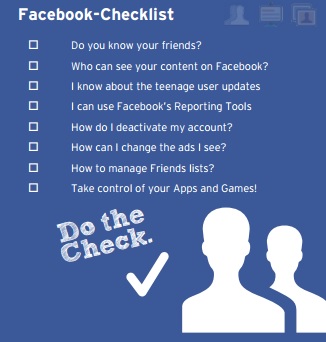
Here is the most current resource you will find on using Facebook safely. What’s more, the Facebook checklist helps you understand and manage the information you share online with others.
The UK Safer Internet Centre has lots of information to help
- Managing childrens TV habits download_for_offline